· By Steven Taylor
How Do I Keep Office Desks and Keyboards Cleaner?
Build safer desk and keyboard cleaning habits without soaking electronics or disturbing paperwork. Practical office advice for Chatham and Tilbury teams.
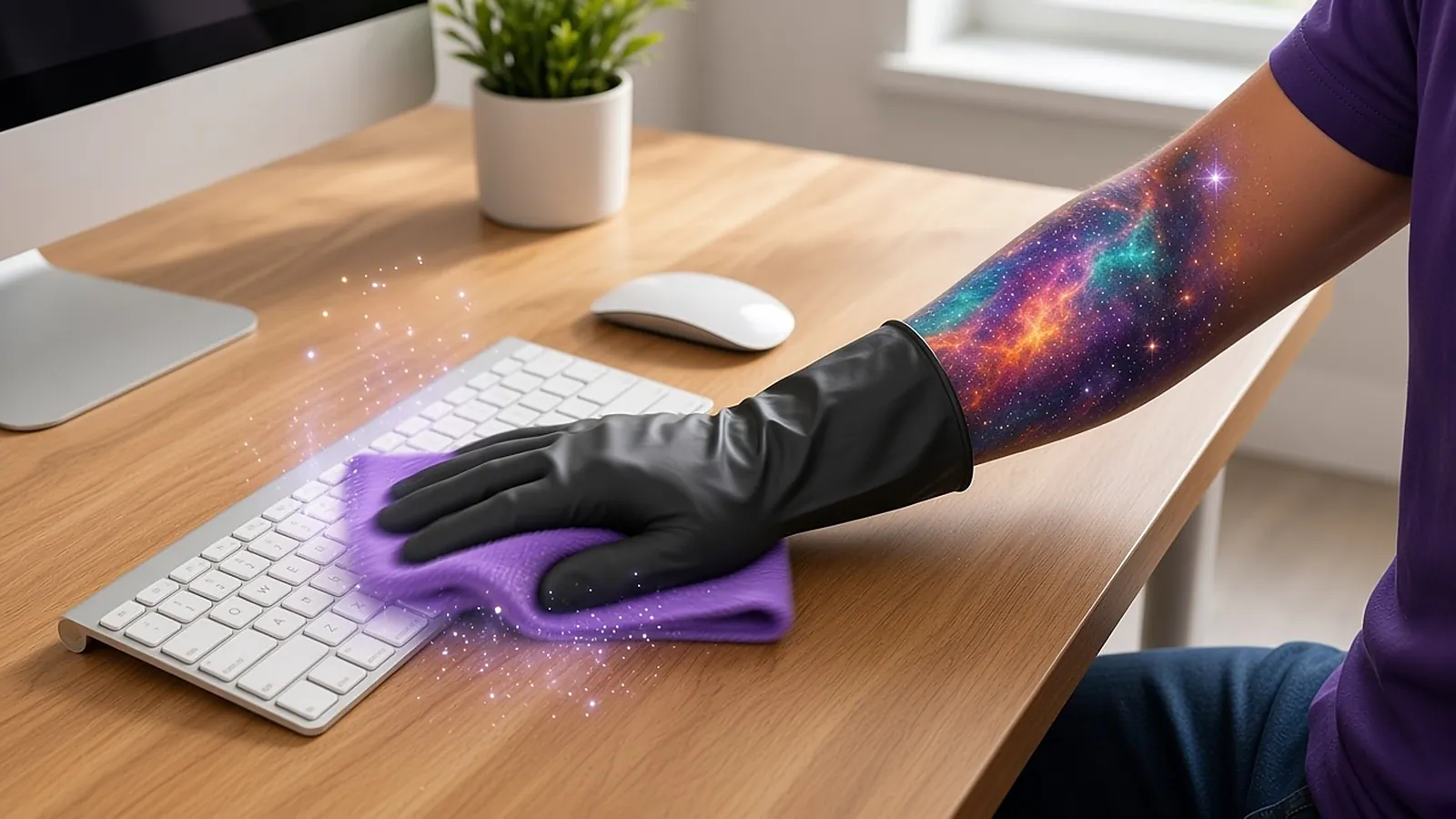
A desk can look neat while the mouse, keyboard and shared phone still need attention. The goal is a sensible routine—not a promise of a germ-free workstation. Offices in Chatham and Tilbury can make regular cleaning more effective by keeping agreed surfaces accessible and knowing which equipment needs special care.
What Should Staff Clear First?
Put away personal items and documents before a scheduled visit. I clean exposed surfaces without opening drawers or moving paperwork. Shared workstations are easier to maintain when everyone leaves them ready for the next person instead of building a pile around the keyboard.
| Area | Useful habit |
|---|---|
| Desk surface | Clear papers and wipe spills promptly |
| Keyboard and mouse | Follow the device maker’s approved method |
| Shared phone | Include it in the agreed high-touch routine |
| Food and mugs | Move eating and washing-up to the kitchen |
How Do You Avoid Damaging Electronics?
Check the manufacturer’s instructions before using a product. Power down or disconnect equipment where those instructions require it. Never spray directly into a keyboard, phone or other device, and do not allow moisture into openings. A product suitable for a desk may be unsuitable for a screen, coating or keyboard.
Cleaning and disinfection are different steps. Where disinfection is appropriate, the surface and product instructions—including contact time—must both be respected. Do not soak electronics to try to meet a generic cleaning tip. If the safe method is unclear, agree on what stays with the office team rather than improvise.
What Happens During the Professional Visit?
As a professional custodian, I use purple cloths for desks and appropriate high-touch points and agree on device care at the walk-through. Black toilet cloths stay separate; blue cloths are for interior glass and mirrors. The office checklist explains how this fits the full visit, not a separate desk-only touch-up.
How Do Everyday Habits Support the Plan?
Handwashing, prompt spill cleanup and keeping shared desks clear support regular cleaning; none guarantees illness prevention. Choose weekday daily, weekly or every other week, scheduled around your office any day of the week. Pricing is per room, with no minimum and no visit fees. Your office supplies consumables; I bring products and equipment.
What Are the Common Questions?
Can You Guarantee a Germ-Free Keyboard?
No. Cleaning addresses dirt and suitable disinfection addresses surface contamination, but no workstation stays germ-free.
Can I Spray Directly Onto My Keyboard?
No. Follow the manufacturer’s instructions and keep liquid out of openings.
Will You Move Confidential Papers?
No. Clear documents yourself so exposed desk areas can be cleaned.
Can We Book a One-Time Desk Clean?
No. Regular service uses your choice of a fixed 3- or 6-month agreement, with no auto-renewal.
Book a free 15-minute walk-through in Chatham or Tilbury to agree on the rooms, checklist and regular plan.
Want an office cleaned this way? Book a free 15-minute walk-through or see pricing.